
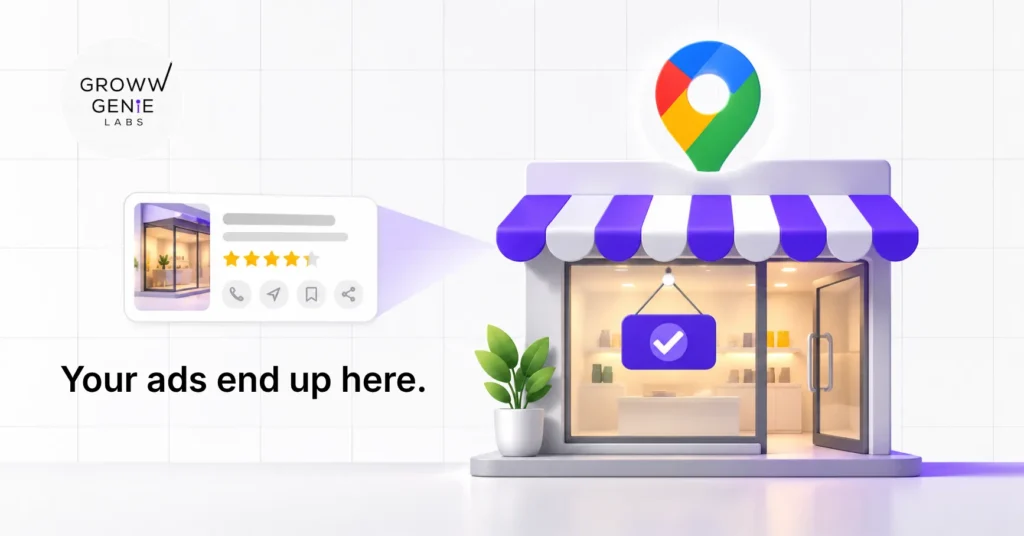
In short: For a local business, your Google listing is where most marketing ends up: ads, word of mouth and festival campaigns all send people to look you up before they visit. A neglected listing quietly wastes that spend and sends customers to competitors you never see. Treat it as the real landing page for your marketing, run campaigns through it, and use its reviews to fix the store itself.
New to Google Business Profile (formerly Google My Business)? Start with the quick explainer at the end of this post.
You spent months getting the store right: the lighting, the display, the staff, the window. Then a customer searches for you on their phone, and the first thing they see is a blurry photo from three years ago, hours that changed last Diwali, and a two-star review nobody answered.
They don’t call to check. They don’t drive over to see for themselves. They tap the next listing.
For a growing number of customers, the visit is decided on that screen. If your Google listing doesn’t look open, your store might as well be closed.
01 — Why does the listing decide the visit?
Because customers compare, and Google does the comparing for them. Search “jewellery store near me” and Google shows several Business Profiles side by side. People scan rating, review count, how recent the reviews are, the first photo and whether you’re open, then tap one.
Most of what they compare is written by other customers, not by you. And Google’s AI now answers their questions in Maps using your profile, reviews and website. Distance is the only signal you can’t influence. The rest depends on how well the listing is run.
02 — Is your listing wasting your ad budget?
Often, yes. Local ads, social campaigns, hoardings and even word of mouth push people to look you up on Google before they visit. If the listing they land on is weak, you paid to send them to a competitor.
This is the gap most campaigns miss. Ads are judged on clicks and reach, and the listing is treated as someone else’s job. But for a local business, the listing is the real landing page.
Before increasing any local ad spend, check that the listing a customer reaches would convince you: current hours, strong photos, recent reviews with replies, and the offer you’re advertising visible on the profile.
03 — How many customers are you losing without knowing?
Often, yes. Local ads, social campaigns, hoardings and even word of mouth push people to look you up on Google before they visit. If the listing they land on is weak, you paid to send them to a competitor.More than your numbers show. When someone compares your listing with three others and picks a competitor, nothing records it. No missed call, no bounced visitor, no complaint. The store is simply a little quieter than it should be.
That’s why listing problems survive for years. The cost is real but invisible. One way to see it: search for your own category as a customer would, from a phone near your store, and honestly ask which listing you’d choose.
04 — Can your listing support the campaign you’re about to run?
Check before you launch, not after. A festival sale, a new collection or a launch event drives people to search for you. If your listing still shows last season’s photos, regular hours on a holiday, or nothing about the offer, the campaign breaks at the last step.
Add the listing to every campaign checklist:
- Special hours set for the campaign days
- Fresh photos of the new collection or offer
- An update or offer post live before the ads start
- The store team briefed to ask happy customers for reviews during the rush
The campaign creates the interest. The listing decides whether it turns into footfall.
05 — What are your reviews telling you about the store?
Everything your customers won’t say to your face. Read your last 50 reviews together and patterns appear: slow billing on weekends, a salesperson everyone praises, a product people keep asking for.
That makes reviews the cheapest customer research a local business has. Share the patterns with the store team every month, fix the recurring complaints, and double down on what people love.
There’s a limit to what marketing can do here. A listing can’t stay better than the store behind it for long.
06 — Is your store team part of your marketing?
Whether you planned it or not, yes. Reviews name salespeople, describe how customers were greeted and mention how long billing took. Every interaction on the floor ends up online.
So the team needs to know it. Share good reviews that mention them by name, make asking for a review part of every good sale, and treat a pattern of complaints as a training need, not a marketing problem.
07 — Does every branch tell the same story?
For multi-location businesses, the weakest listing sets the tone. Customers don’t separate branches; a two-star outlet with unanswered reviews affects how they see the whole brand.
Give every location the same standard: consistent names and categories, the same quality of photos, one tone for replies, and monthly numbers compared side by side. The gap between your best and worst branch online often mirrors the gap in the stores.
08 — Who owns the listing, and how do you report it?
Someone specific, with numbers next to your ad spend. The listing’s performance data shows calls, direction requests and website clicks. Direction requests are especially useful: they’re people planning to visit.
Report them monthly alongside ad spend, walk-ins and sales. If ad spend rises but direction requests don’t, the listing is leaking. If they rise after new photos, replies or offers, you know what’s working. It’s often the cheapest footfall channel a business has, and the one most often left without an owner.
Your 15-minute weekly shopfront check
- Are this week’s hours, including any holidays or campaign days, correct?
- Have we replied to every new review?
- Is the first photo still our best one?
- Is the offer we’re advertising visible on the listing?
- Did calls and direction requests move with our ad spend?
- Any repeated comment in reviews to pass to the store team?
What is a Google Business Profile?
A Google Business Profile, formerly called Google My Business, is the free listing that appears on Google Search and Maps when someone looks for your business or for businesses like yours nearby.
It shows your hours, location, photos, reviews, products and contact options in one place, and lets customers call you, get directions or visit your website in one tap. You claim and manage it for free through Google, and once it’s verified, you control what it says about your business, alongside what your customers add.
Frequently asked questions
Is a Google Business Profile free? Yes. Creating and managing a Google Business Profile is free. Ads on Google Maps are a separate, paid option.
How often should I update my Google listing? Check it weekly. Reply to reviews as they come in, add new photos or updates at least once a week, and review your details every season.
Should I reply to negative reviews? Yes, calmly and publicly. Acknowledge the problem, apologise where it’s fair, and offer to resolve it directly. Other customers judge you by the reply.
Can I ask customers for reviews? Yes. You can ask every customer for an honest review. You shouldn’t offer rewards for reviews, write them yourself, or only ask happy customers.
Why don’t customer questions show on my listing any more? Google has phased out the old Questions and Answers section and is moving to AI-generated answers in Maps. Those answers draw on your profile, reviews and website, so keeping all three complete and accurate matters more than ever.
Your store opens at ten. Your Google listing never closes. Make sure it looks like the store you’ve built.
If your store is great in person but quiet online, tell us about it. We’ll show you what customers see before they decide.
Share your growth wish →